
The Alephbeis Learning Portal
The digital hub for teaching, practicing, and assessing Kriah.
It works alongside the seforim, and everything in it is organized around the skills students are learning.
On this page
How it connects
One Skill. Everything You Need.
Every tool works from the same skill, so each step hands the next exactly what it needs.
- TeachThe Academy lesson for the skill.
- PracticeSmart Cards and Smart Resources for it.
- AssessA Smart Test marks every letter.
- Practice from mistakesWhat was missed becomes the next practice.
- ReassessProgress shows, skill by skill.
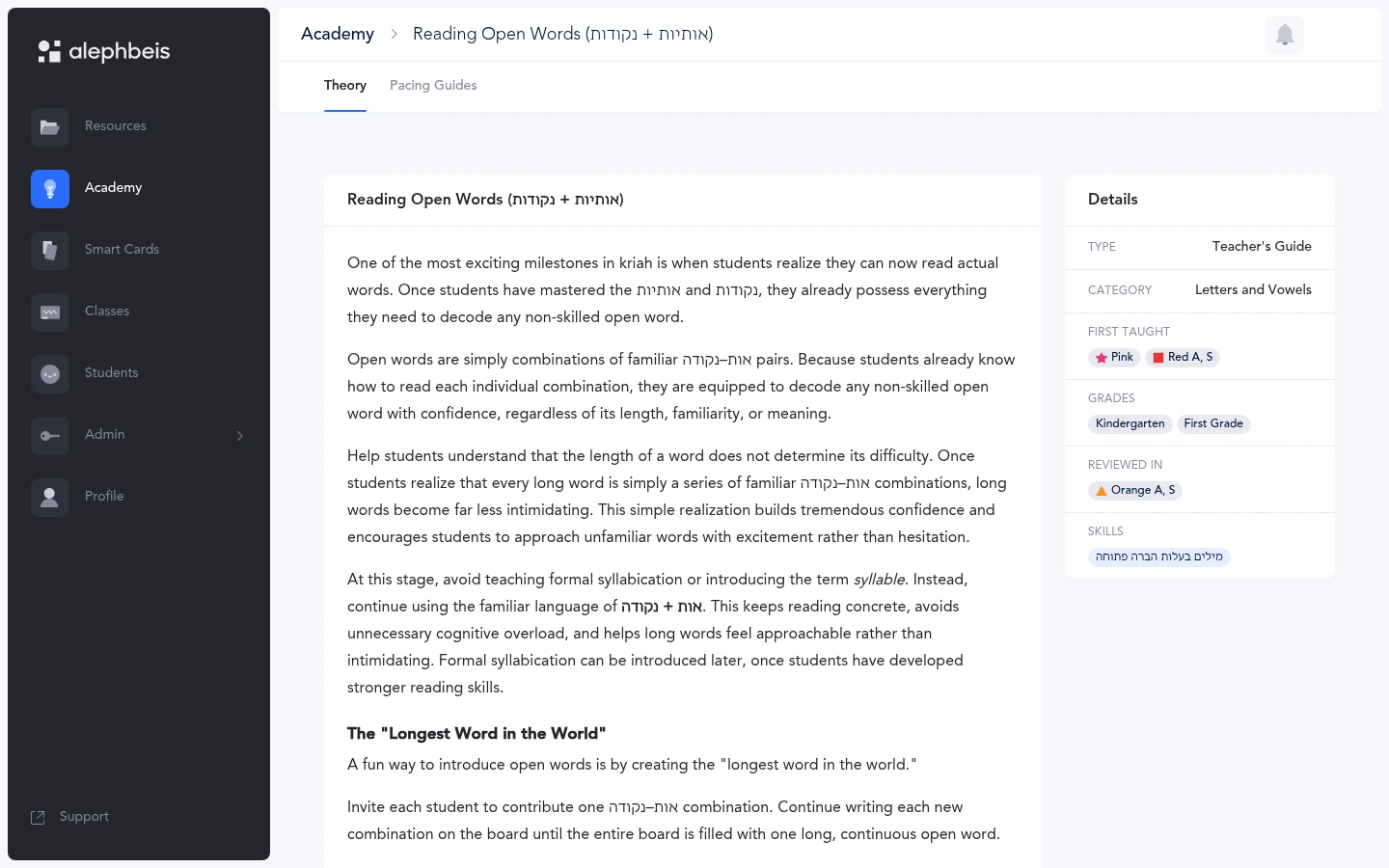
Kriah Academy & Teacher Guides
How to teach every skill, grade by grade.
Every lesson names its skill, the same skill every other tool uses.
Resources
Print and go, or build your own.
Both are organized by the same levels and skills as everything else in the Portal.
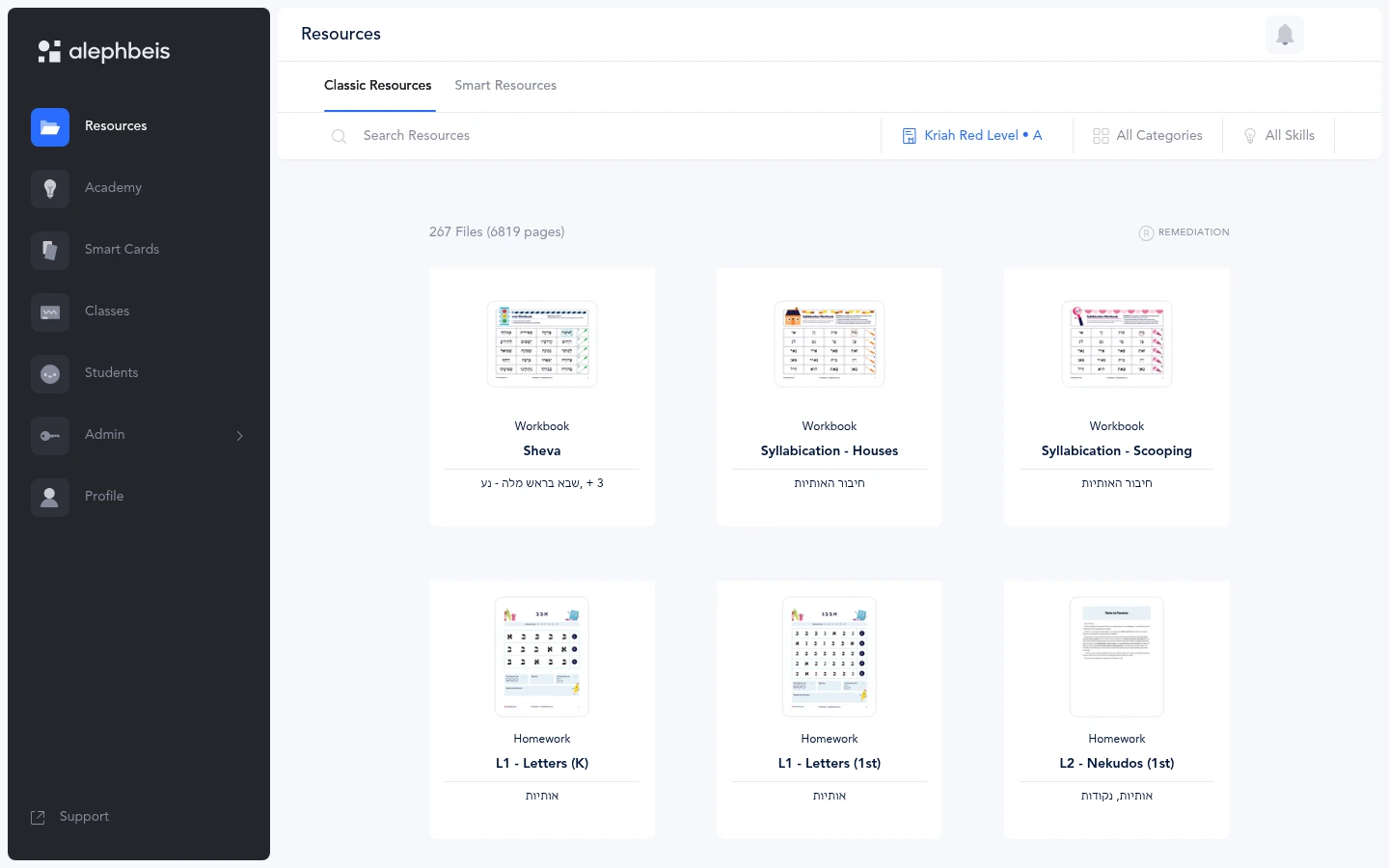
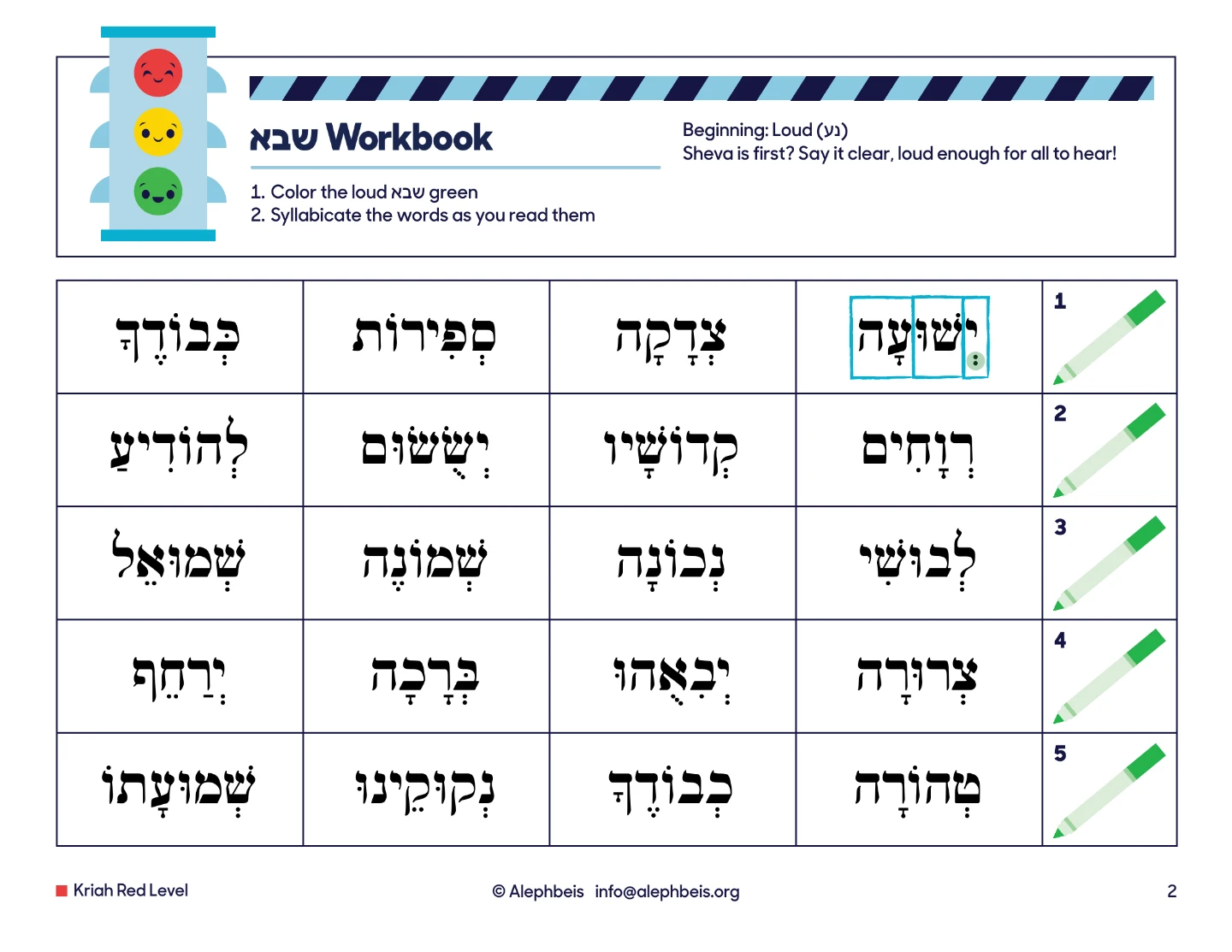
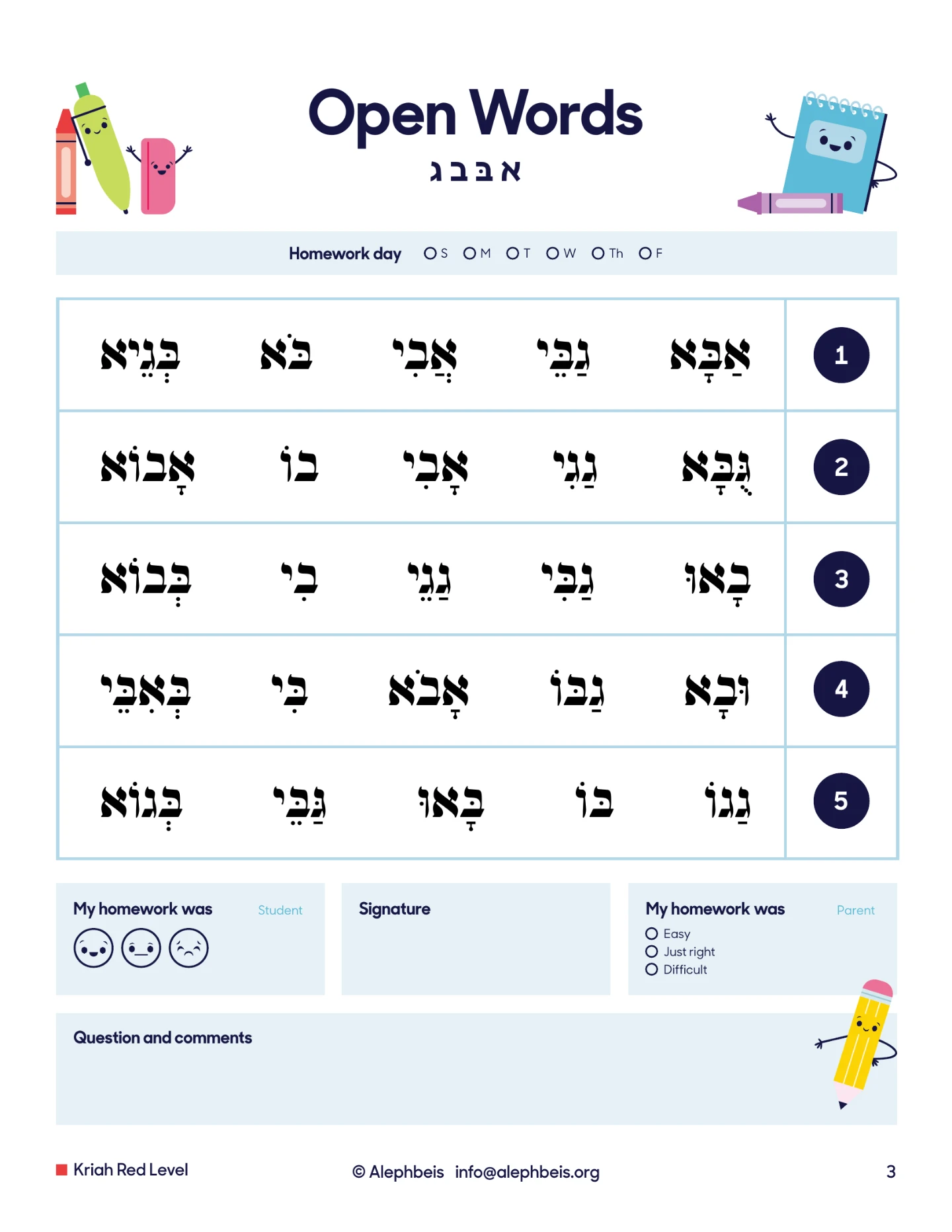
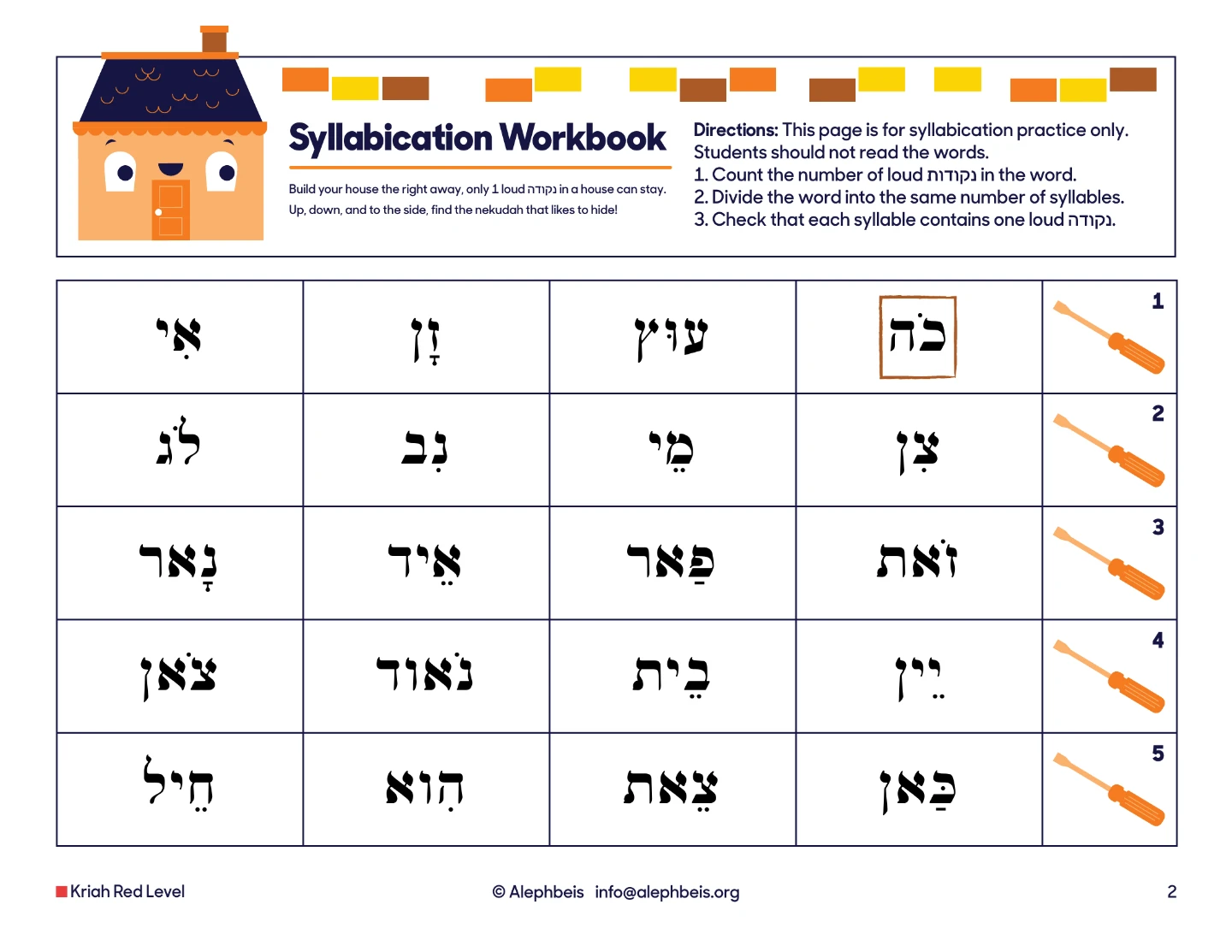
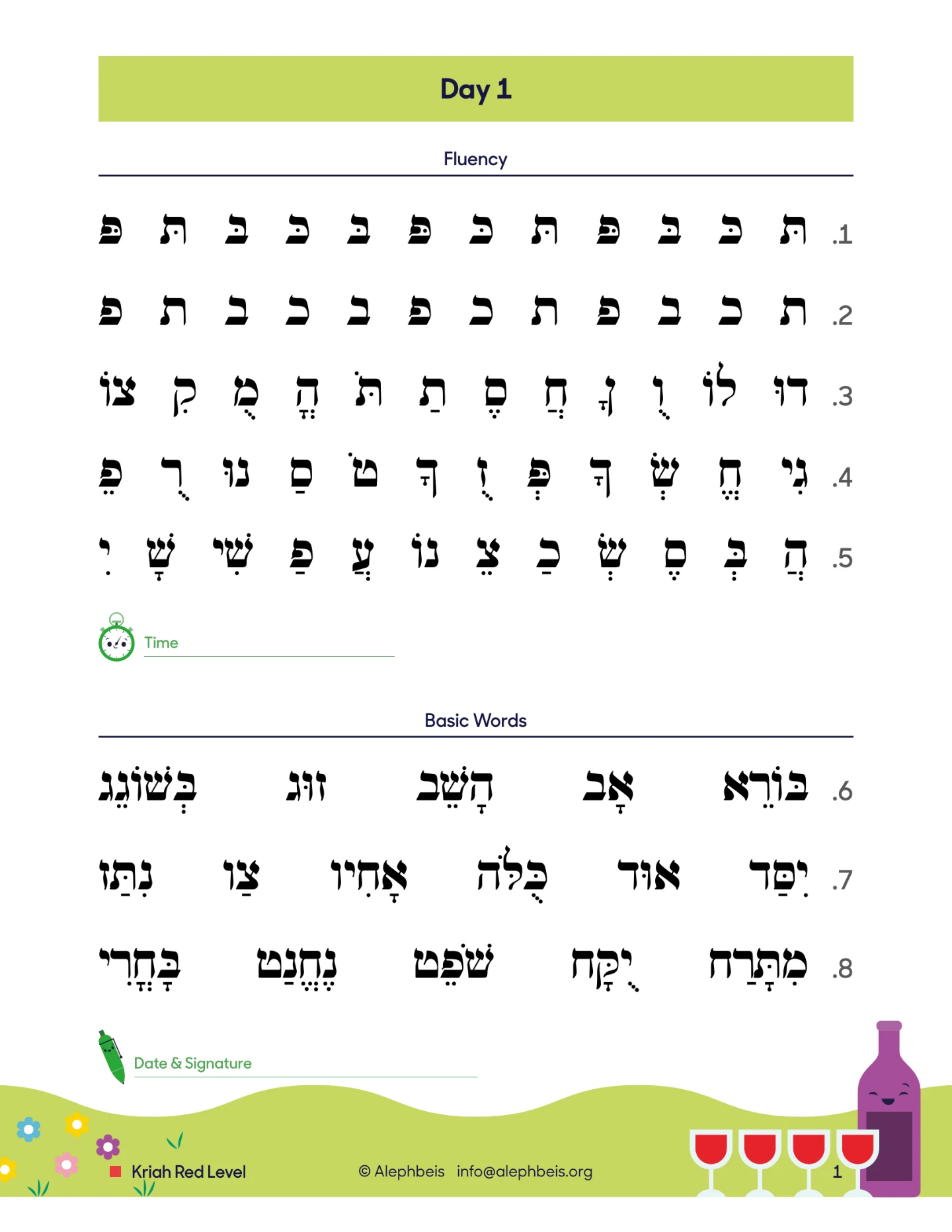
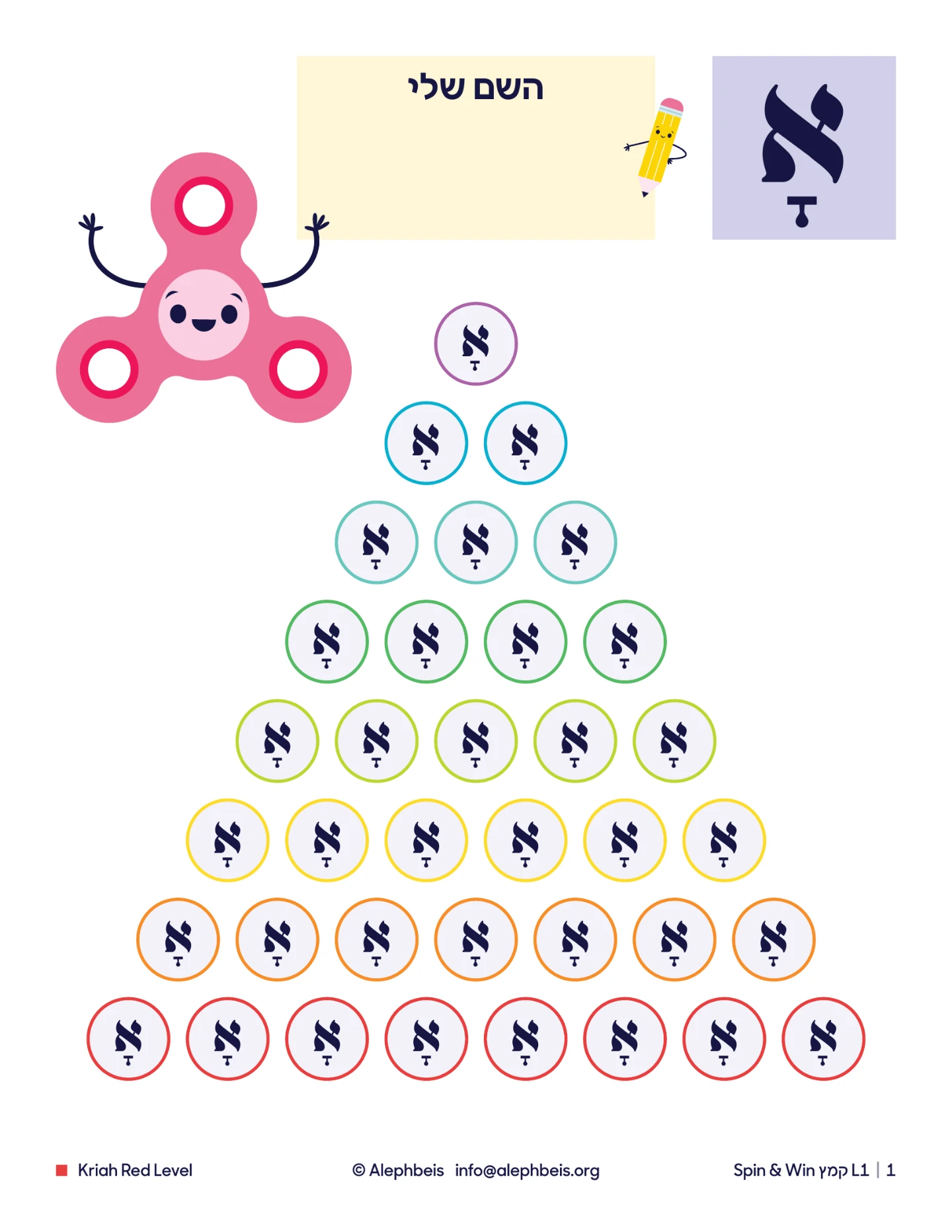
Print and go: the Alephbeis library
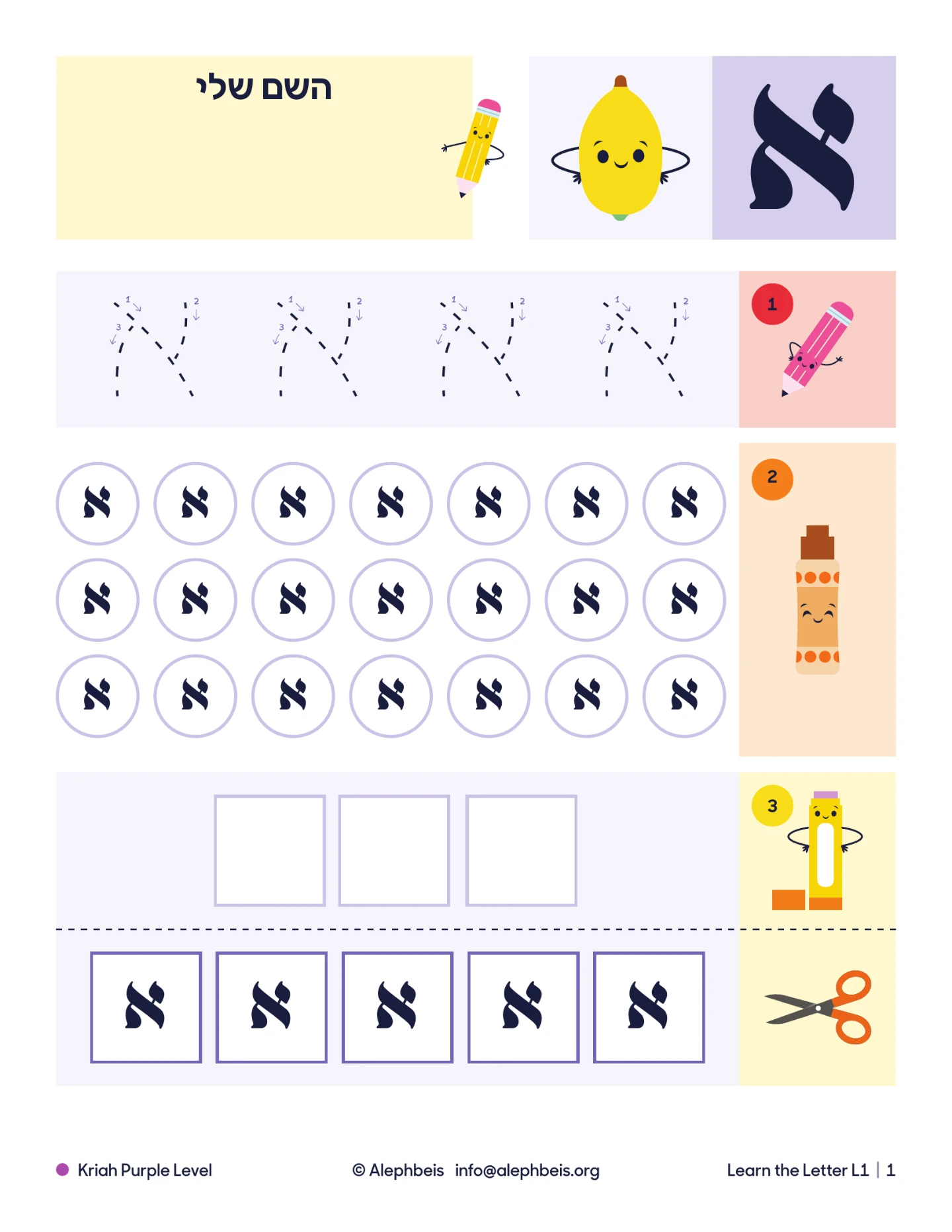
12,000+ ready-to-print pages, developed by us over 19 years: homework, workbooks, fluency programs, vacation programs, and more.
Build your own: Smart Resources
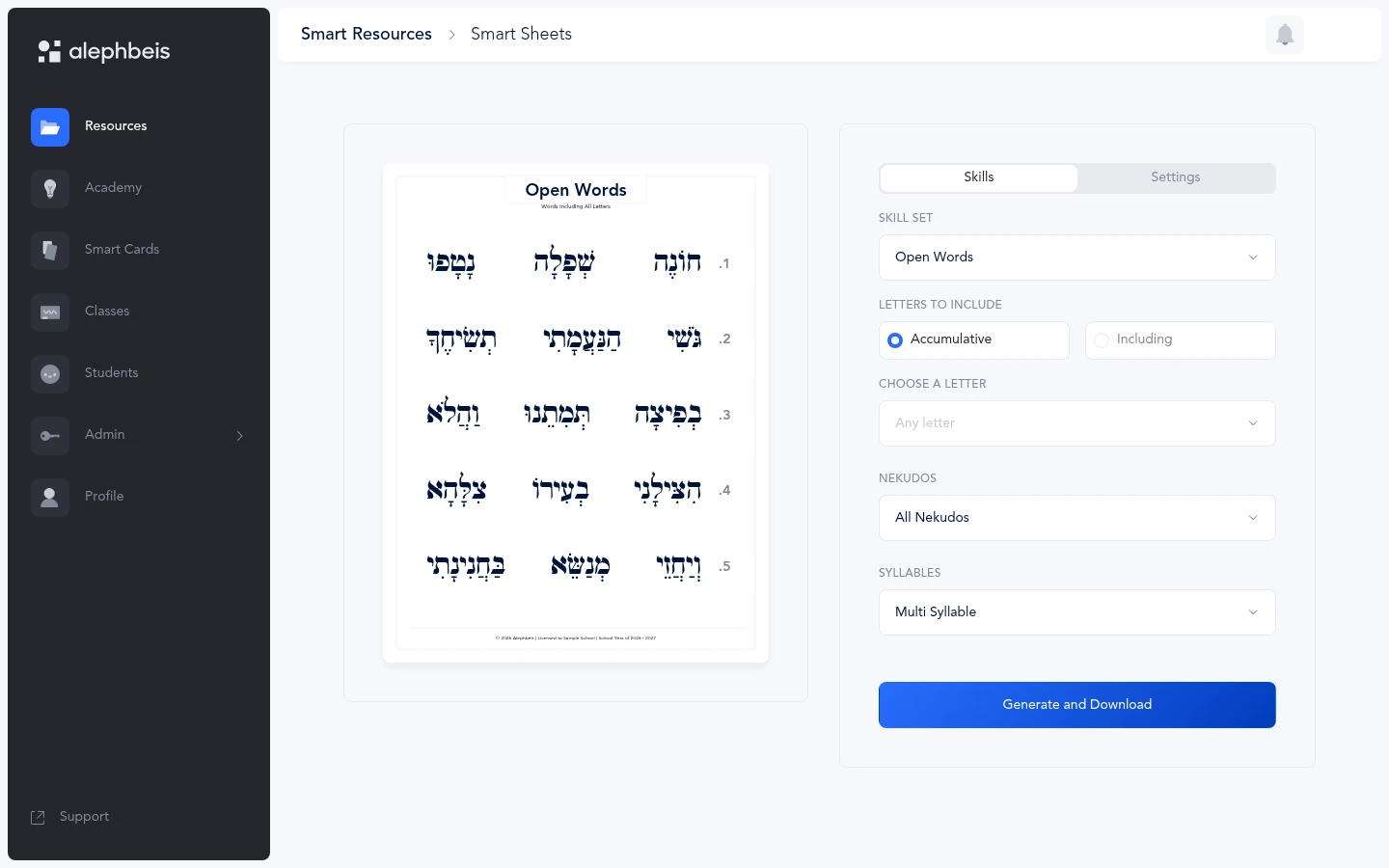
Customize Smart Sheets, flashcards, homework, and vacation programs for any skill, or build them straight from a student’s test results.
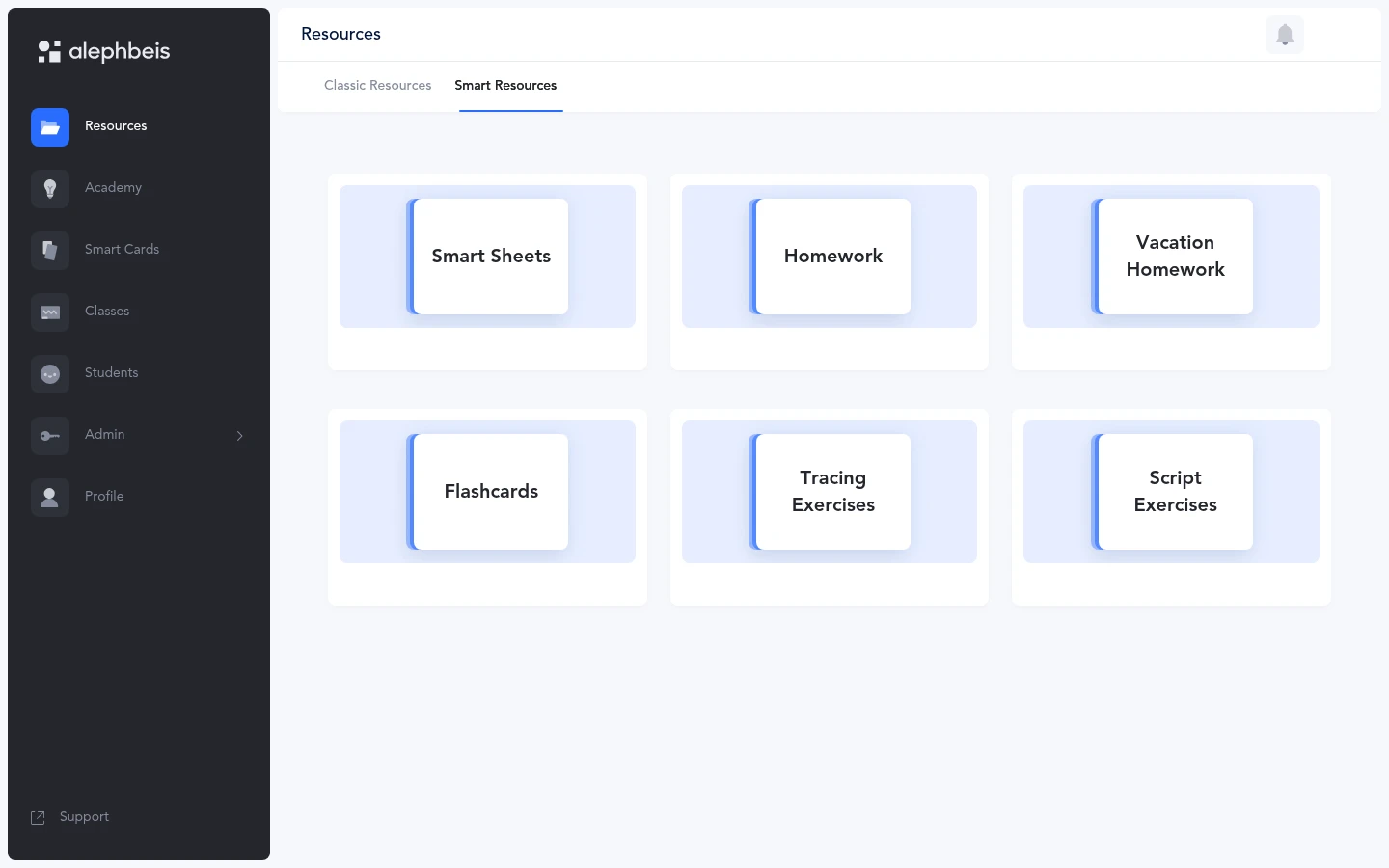
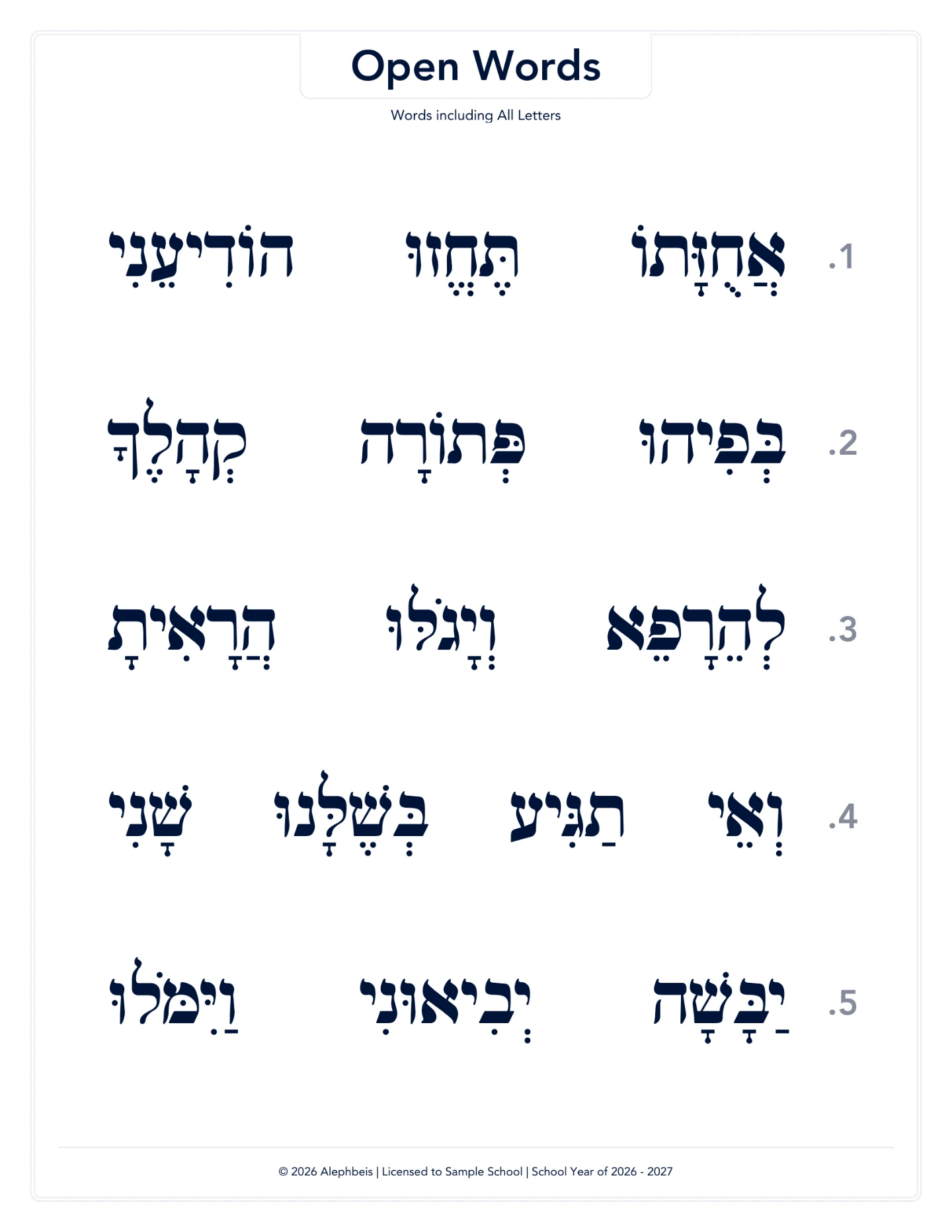
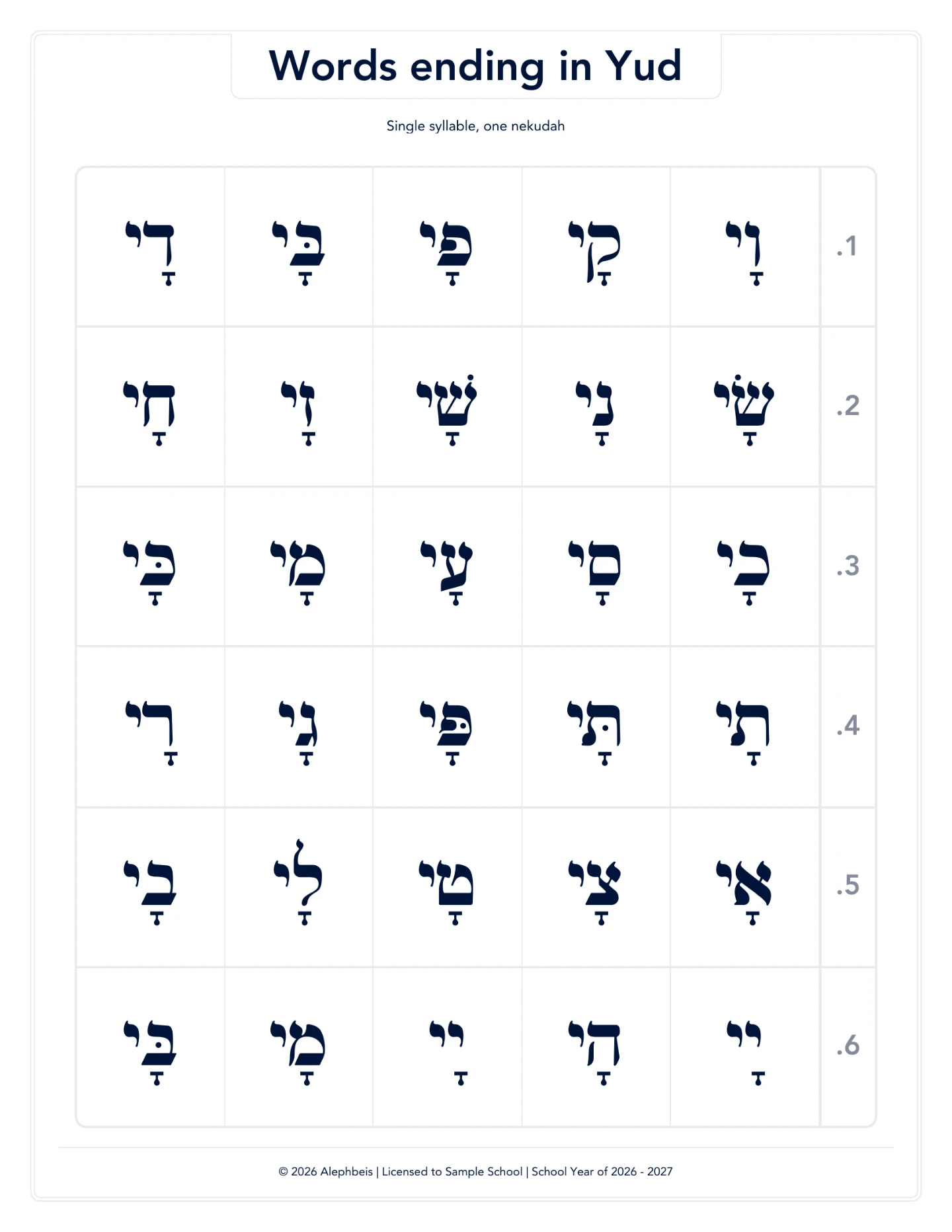
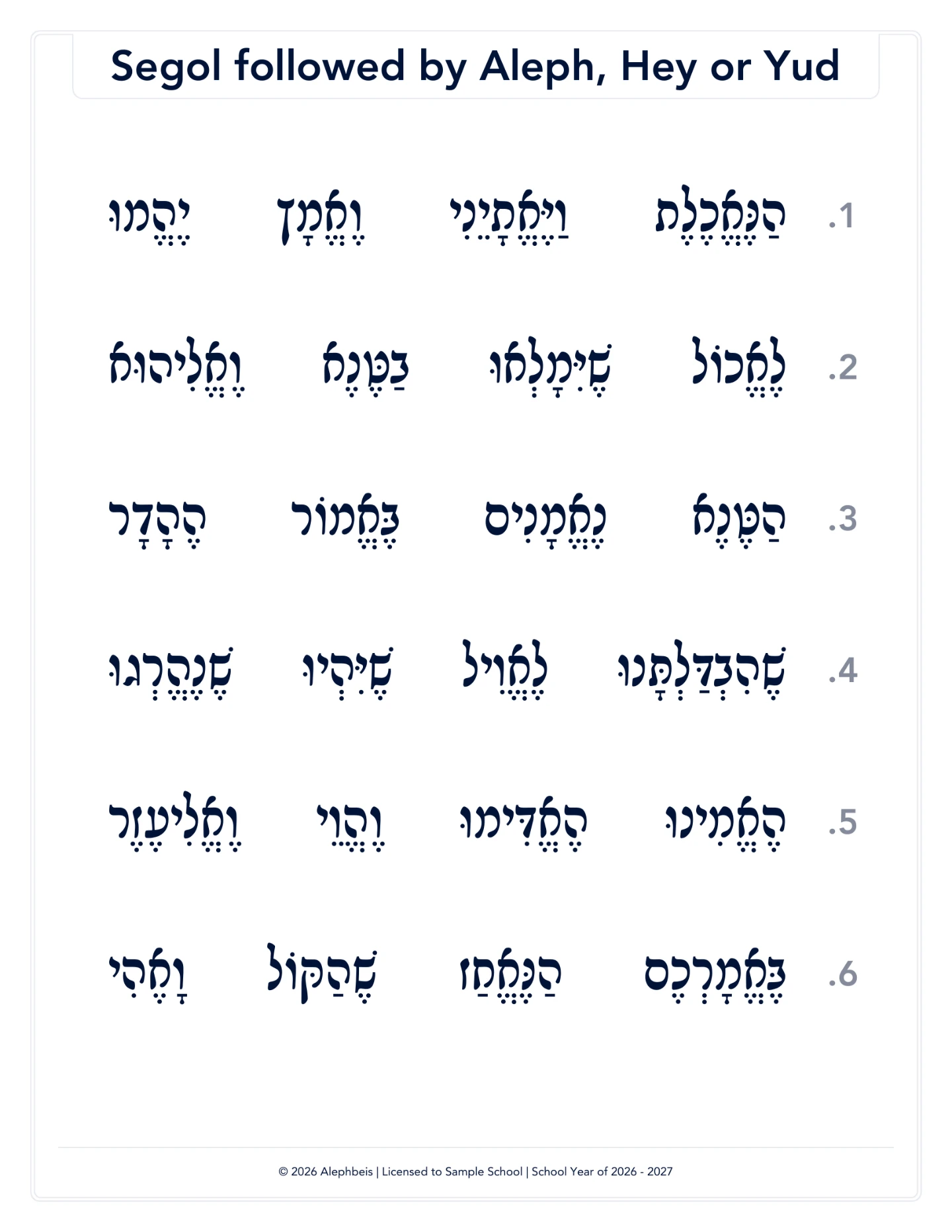
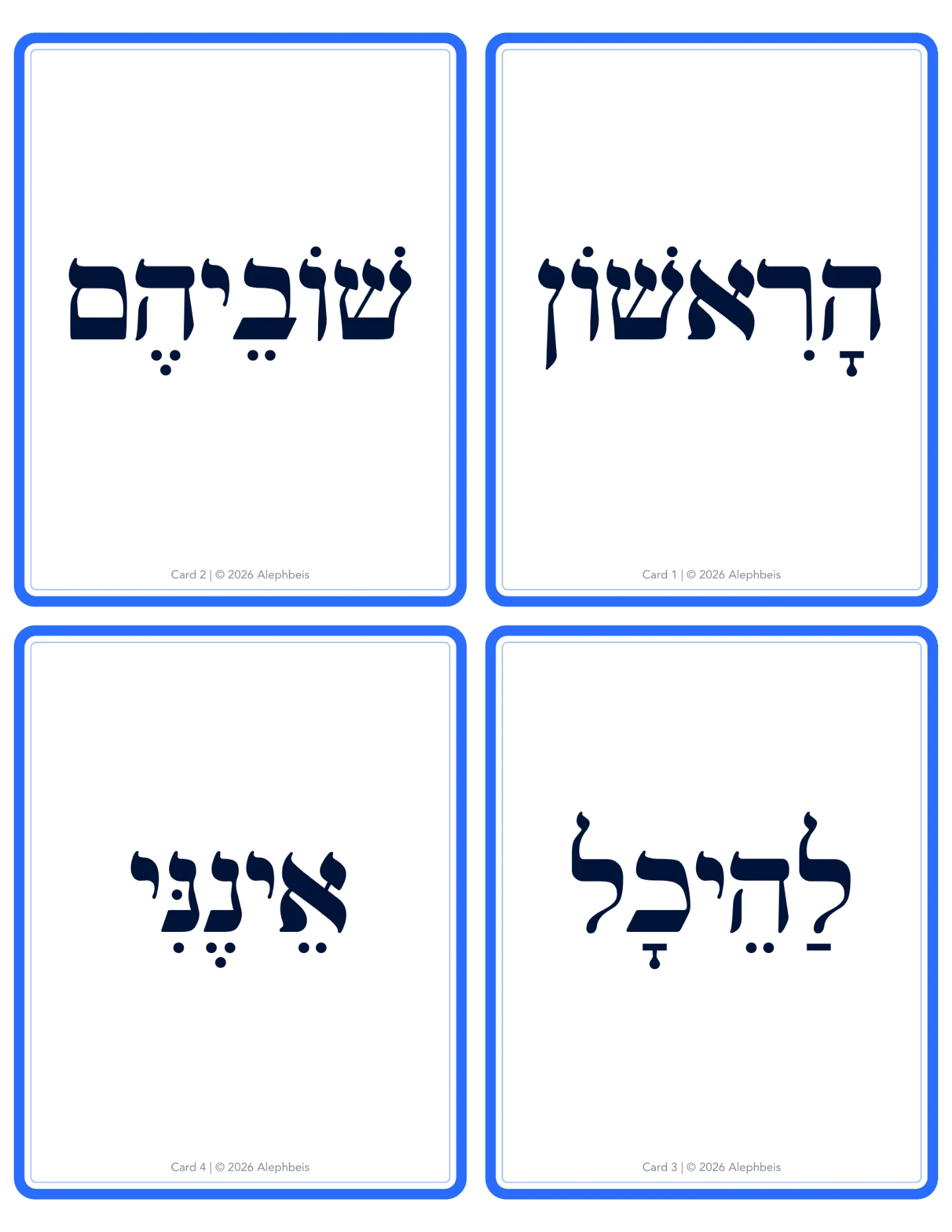
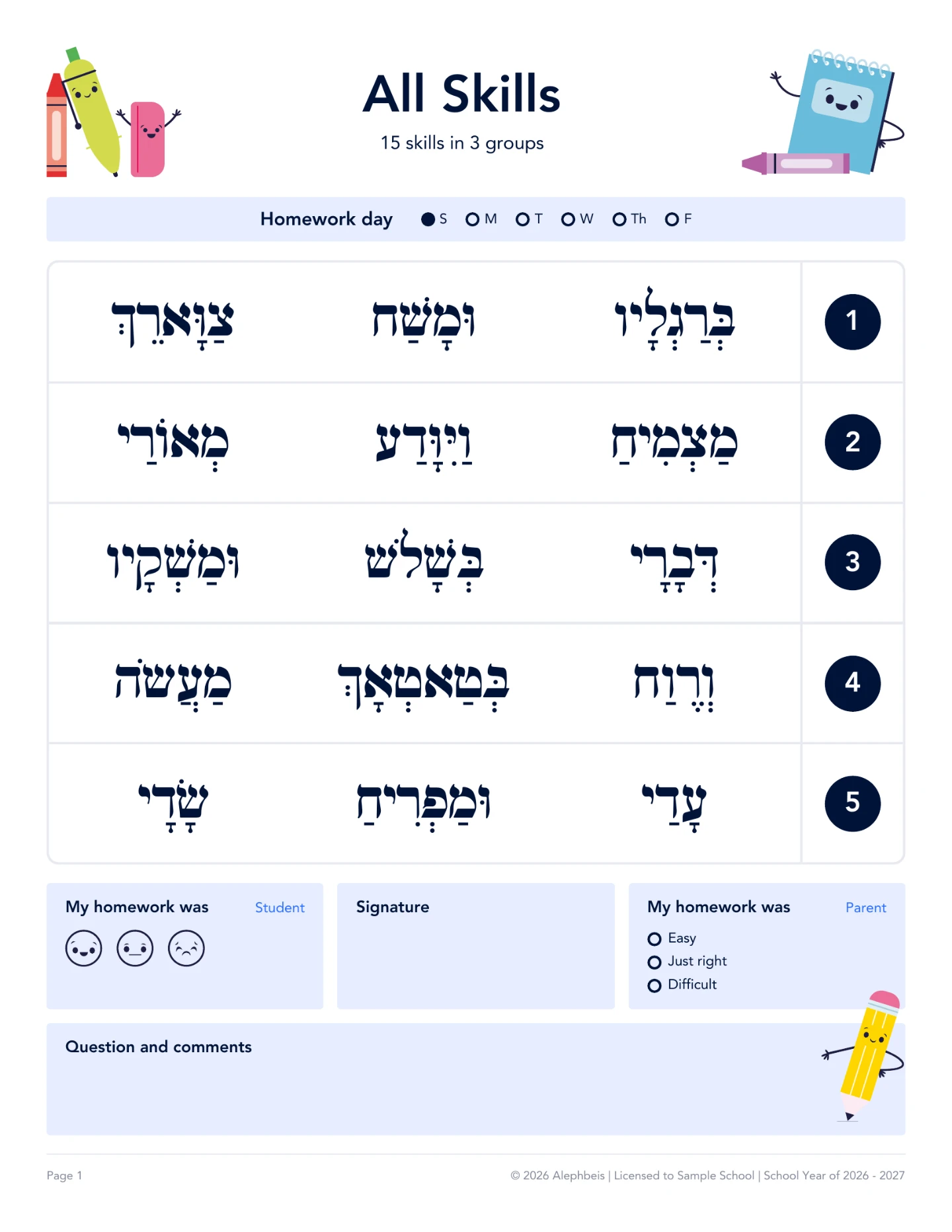
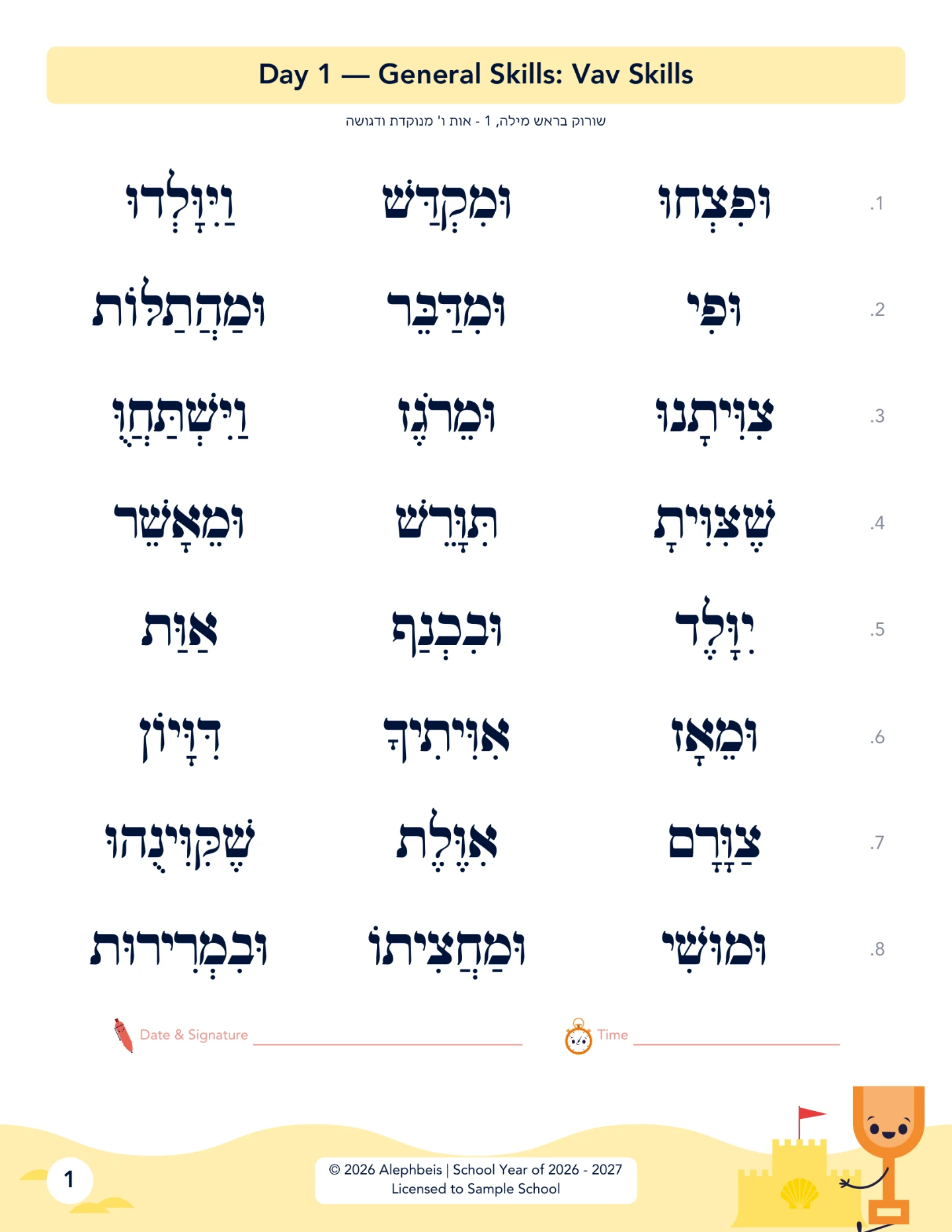
The teacher identifies the need. The Smart Suite builds the materials.
Smart Cards
On-screen flashcards for the class, a group, or one student.
Customizable for any skill, and shown in the level’s own color.
Same skill, on screen. One tap switches practice into a test.
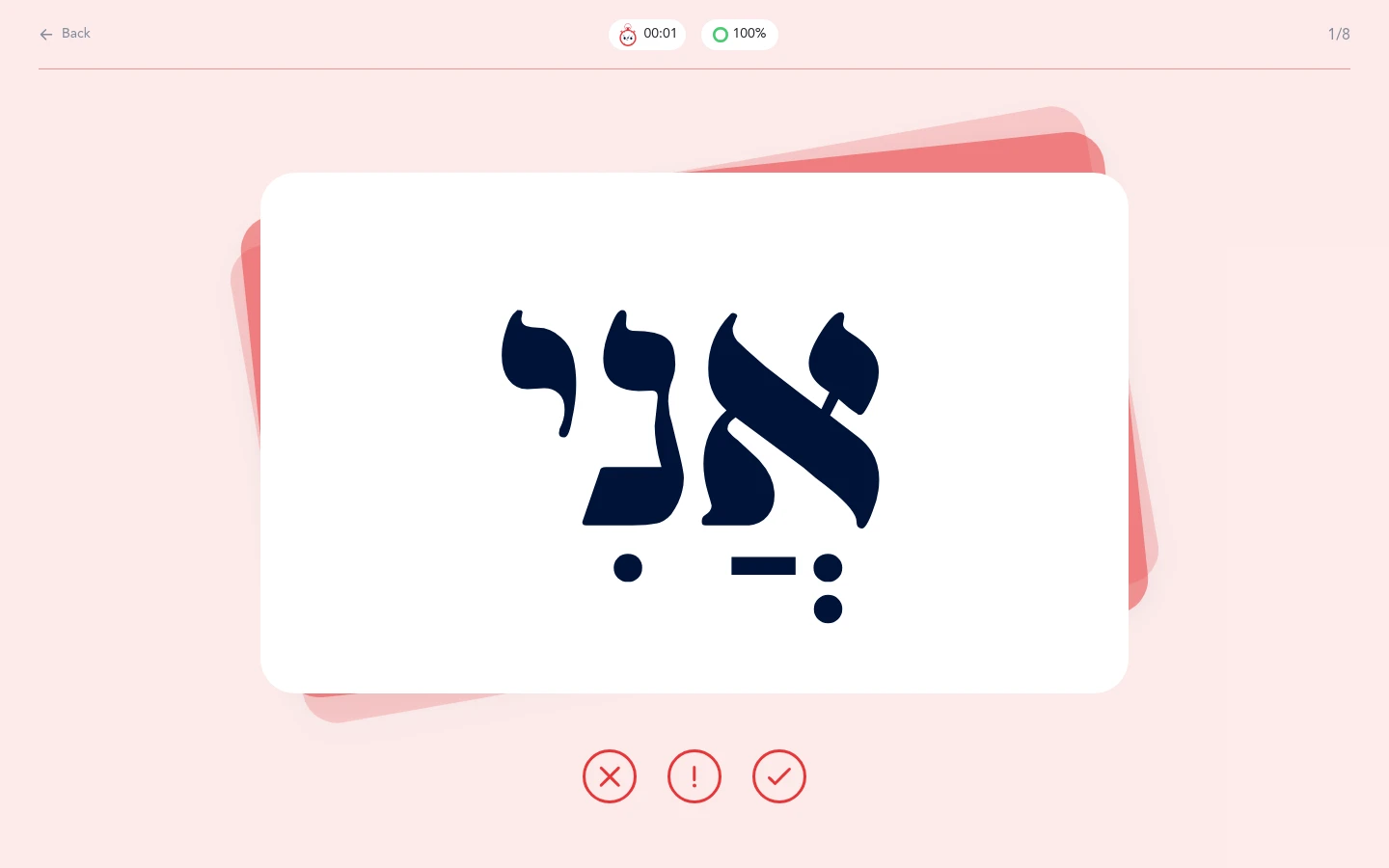
Smart Tests · testing and reporting
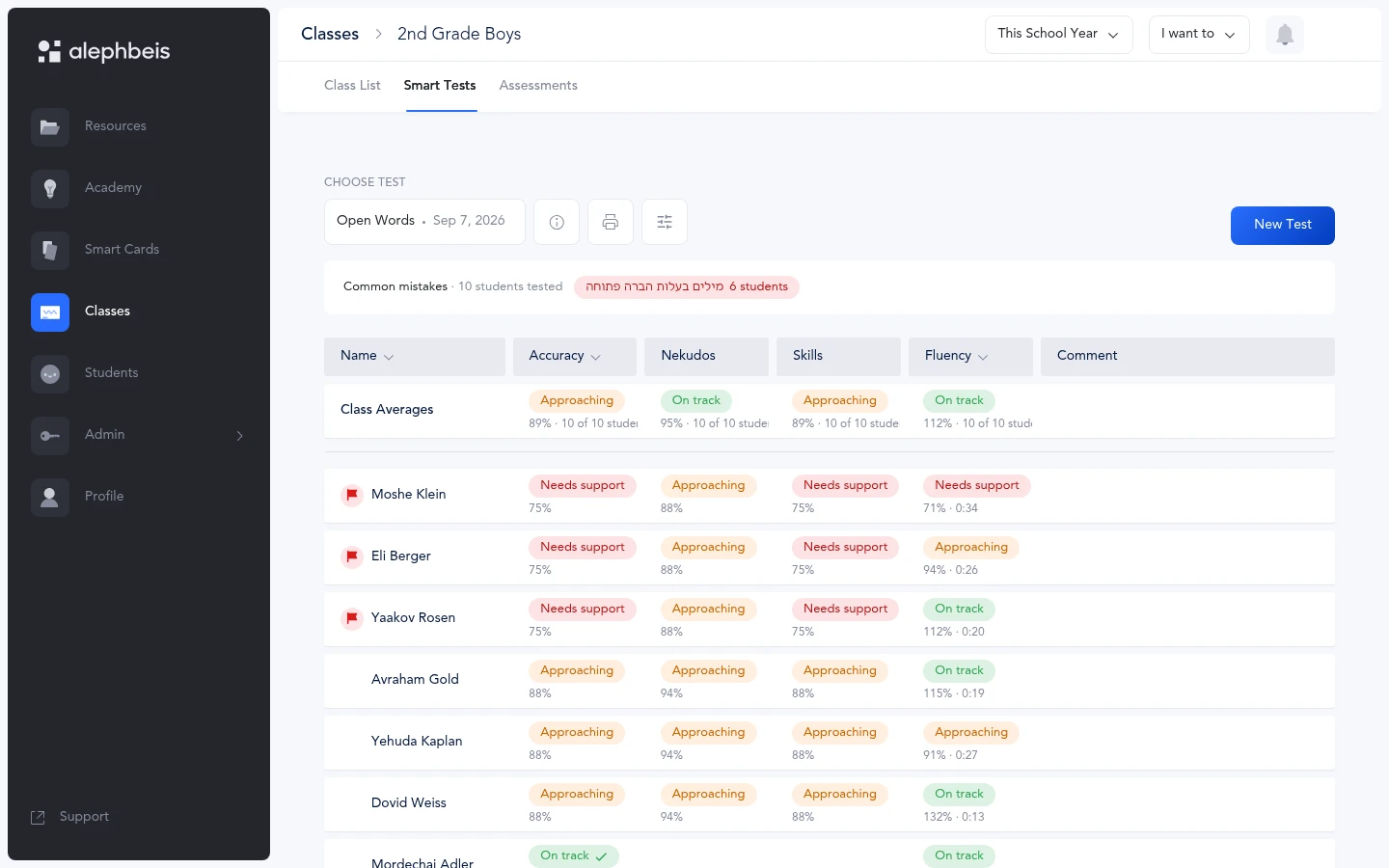
Assess a class or a student on specific skills.
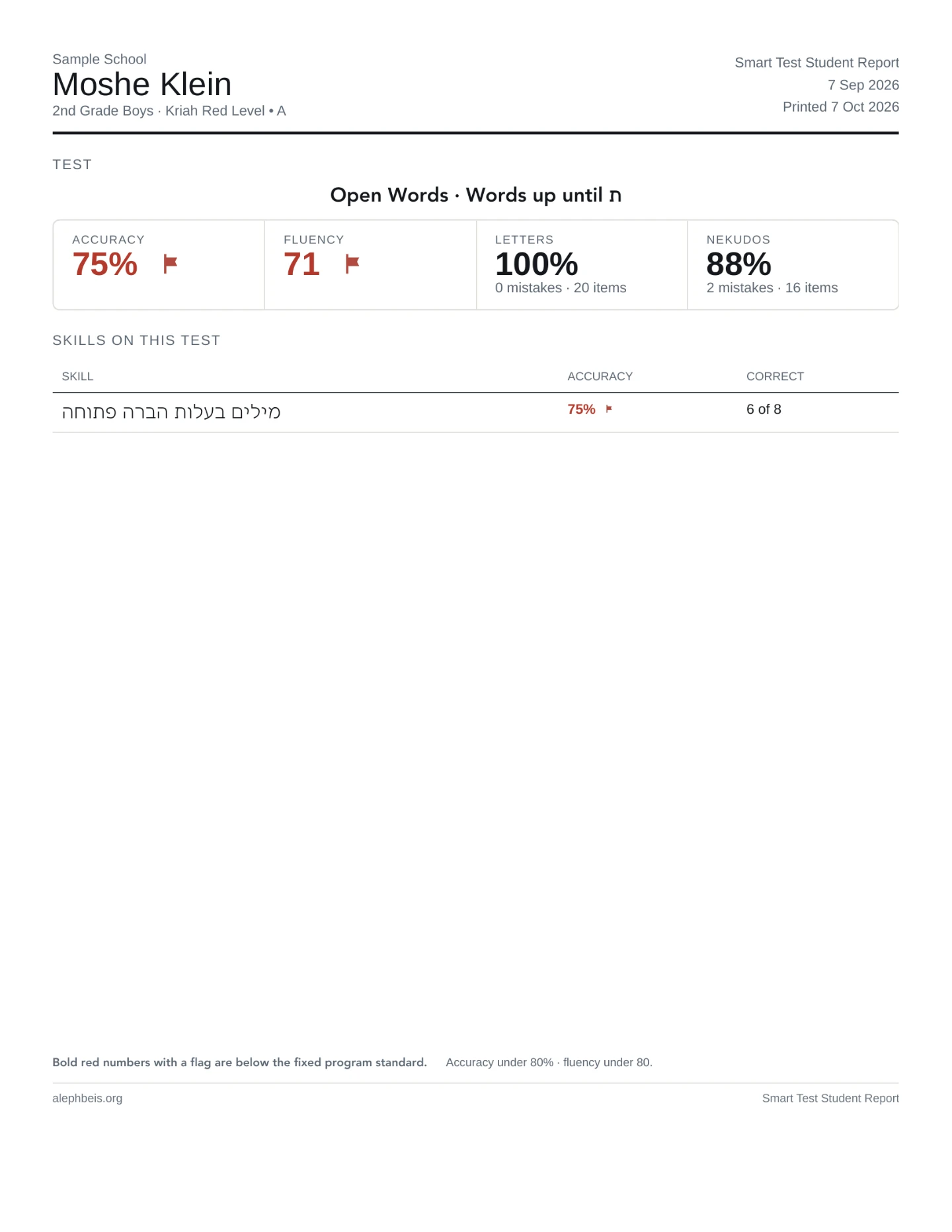
Mark every letter as the student reads. Results save to each student’s profile, with reports by skill on screen and as a PDF.
Every mistake is recorded against its skill: assess, identify the mistakes, generate targeted practice, reassess.
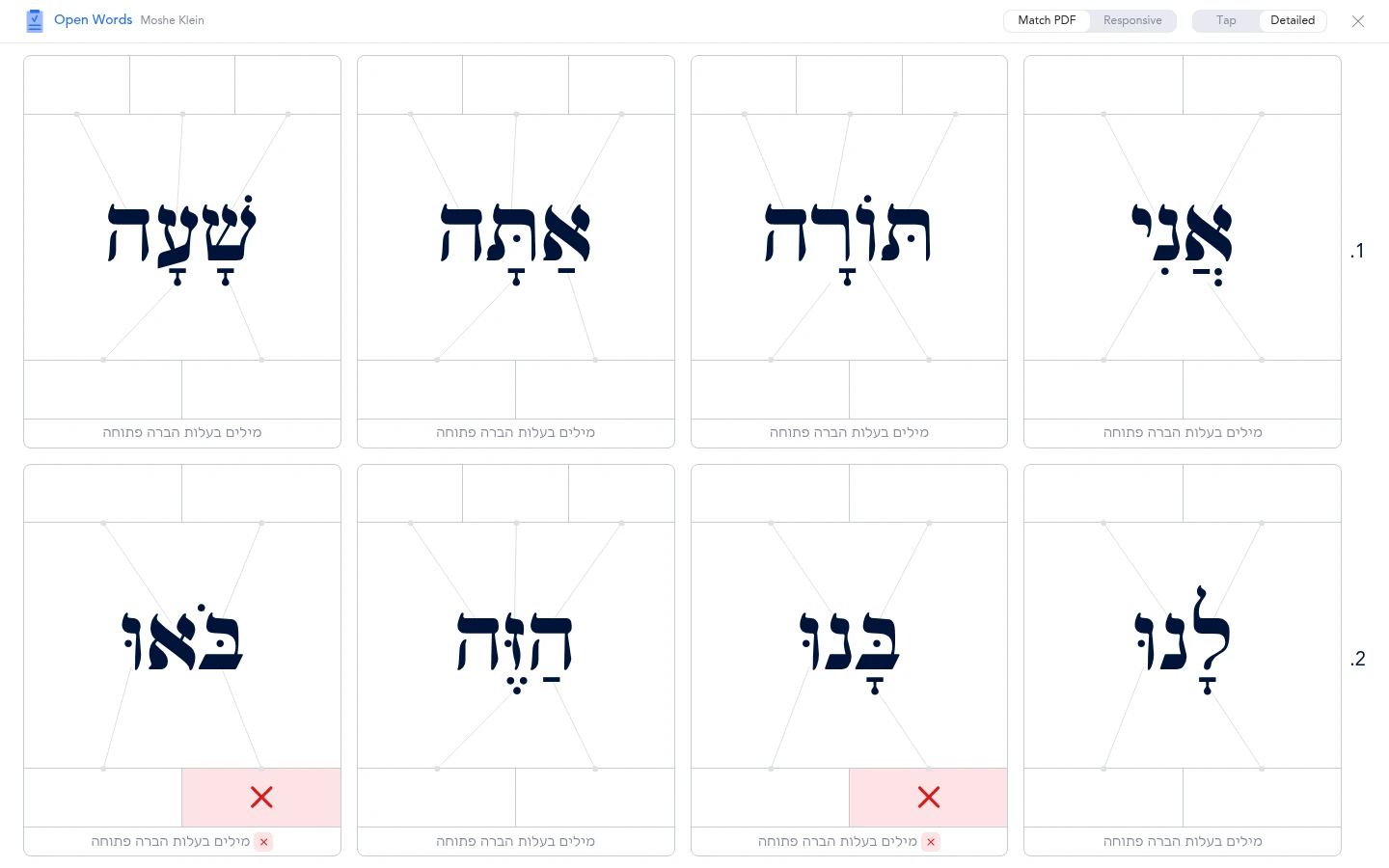
On screen: class results by skill
PDF: the student report
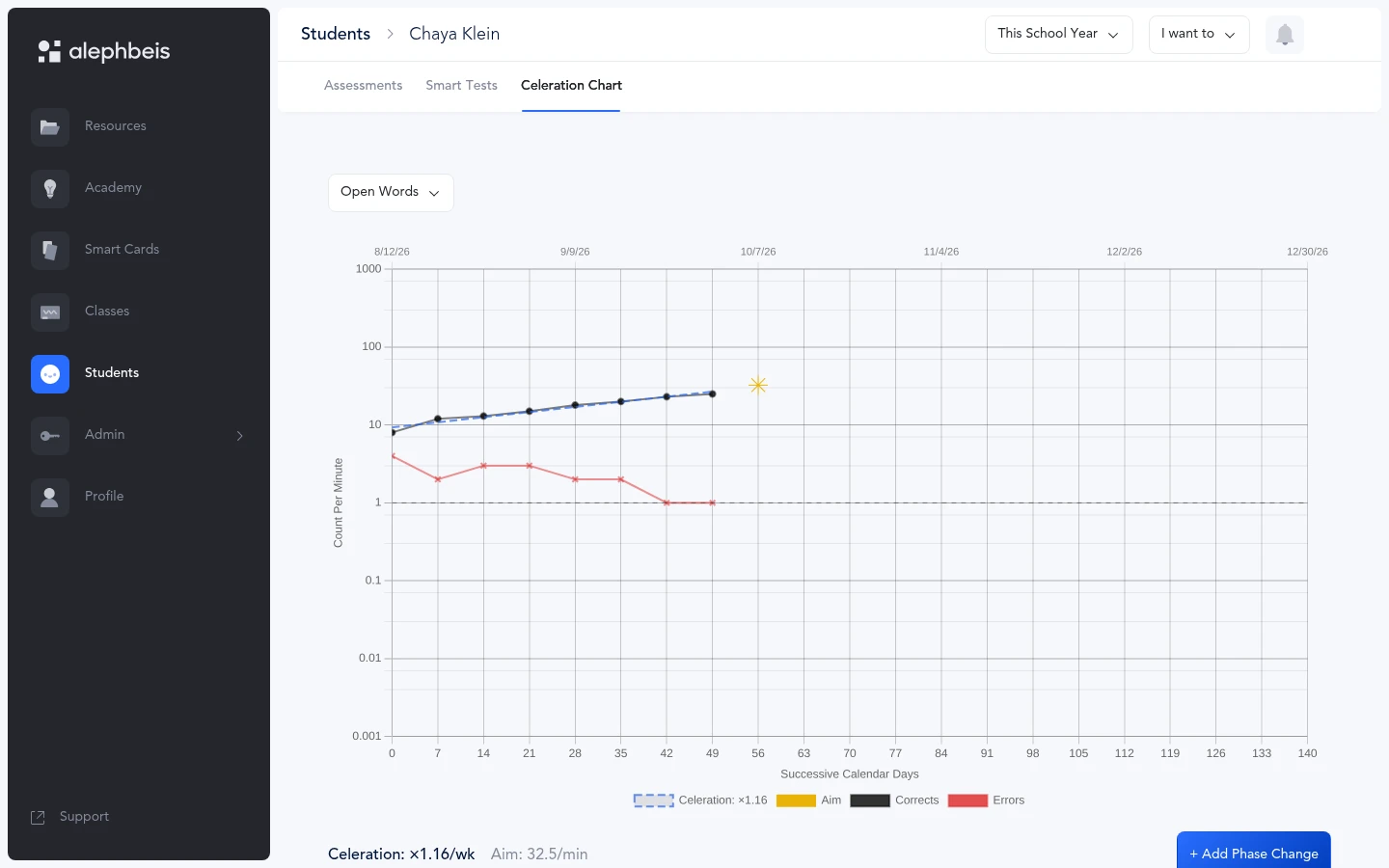
Over time: the Standard Celeration Chart
Every timed test plots a point, so a student’s fluency shows week by week, correct and error rates both.
A school, two years in
Incredible achievement in grades 1–4
“When followed with integrity and consistency, mastery of Hebrew reading with accuracy as well as fluency, all while reading with confidence and positivity, is an attainable goal for all. Our students in grades 1–4 have shown incredible achievement in their reading since adopting the Alephbeis curriculum in our school 2 years ago.”
Kriah AMA · Included with Ultimate
A live Kriah hour, twice a week.
Help with any step: instruction, assessment, or setting up the Portal. One session inside the school day, one in the evening, so a teacher can reach one without staying late.
About the Kriah AMA →- InstructionStudent motivation, frontal lessons, choral reading, and anything in the guide.
- AssessmentWhat a result is telling you, and what to teach next.
- TechnicalSmart Cards, Smart Resources, classroom setup, entering students.
Built for the Whole School
Teachers. Administrators. Students. Parents.
-
Teachers
Access resources, assess students, create targeted practice, and track progress. -
Administrators
See school-wide data and monitor student progress. -
Students
Receive practice and assessments matched to the skills they are learning. -
Parents
Access reports and materials to support practice at home.
Choose the Portal Plan That Fits Your School
-
Basic — $15/student/year
Assessments, grading, reporting, downloadable resources, and online support.
-
Premium — $20/student/year
Everything in Basic + Parent Access and Personalized Activities.
-
Ultimate — $25/student/year
Everything in Premium + Smart Sheets, Smart Tests, Smart Resources, Digital Teacher's Guide, and Kriah AMA Sessions.
How It Is Licensed
Alephbeis is licensed per student, per school year, and the school year follows your calendar: your school sets the date its year ends, in either the Northern or Southern Hemisphere, and the license runs through that date. The break between years gives your school time to set up classes, add teachers, and prepare before the new year begins.
There is a 10-student minimum. Schools can purchase seats upfront and assign them to students as they are added throughout the year.
Licenses do not automatically renew unless automatic renewal is turned on. If you cancel automatic renewal, your access will continue through the end of the school year you already paid for.
See the Portal in Action
See how Alephbeis can work in your school.
We'll show you how teachers use the Portal to find resources, assess students, create targeted practice, and track progress.